Before placing an order, please contact us and our manager will help you confirm compatibility, available modes, installation, and how the device works with your exact vehicle configuration.
Please ask all important questions before purchase: operating modes, dashboard type, installation, delivery time, choosing the right option, and any product details that are important for your order.
Product photos are provided for general reference, while compatibility and proper operation with the confirmed vehicle configuration are the most important factors. This helps confirm in advance that the selected device matches your requirements and expectations.
INSTALLATION VIDEOS
DESCRIPTION
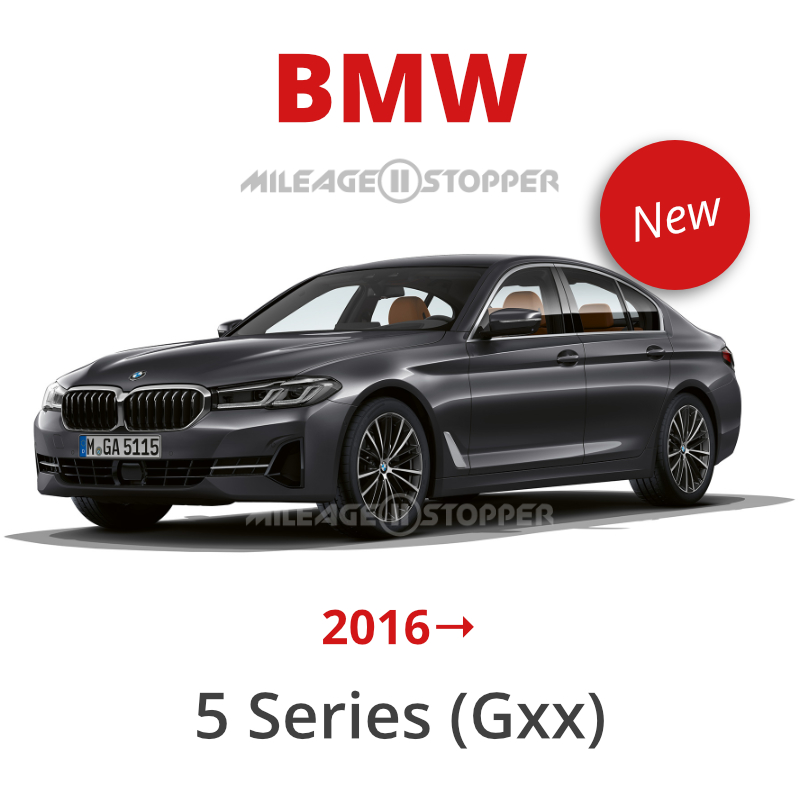
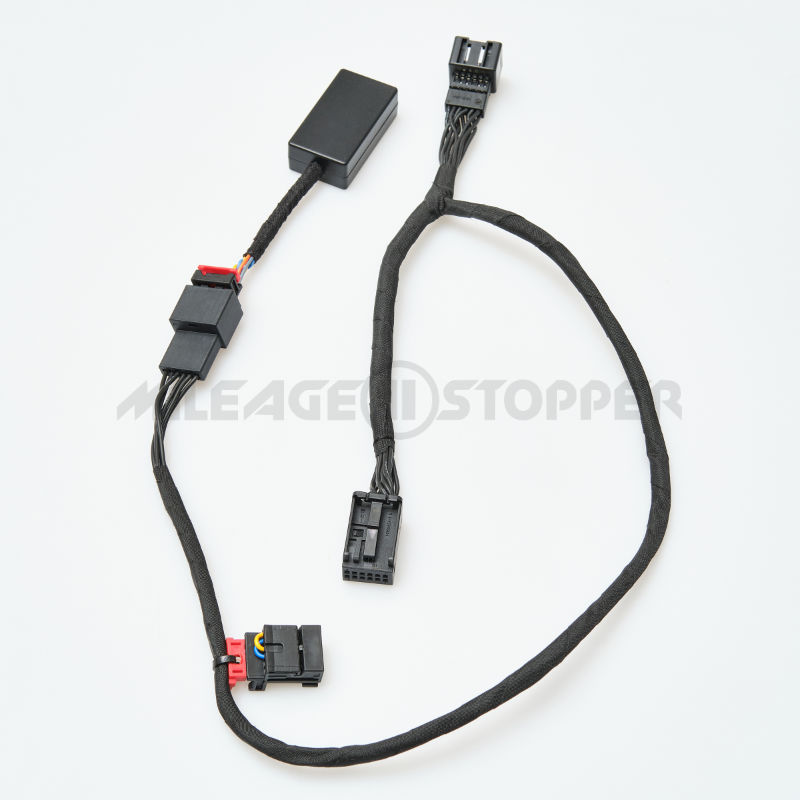
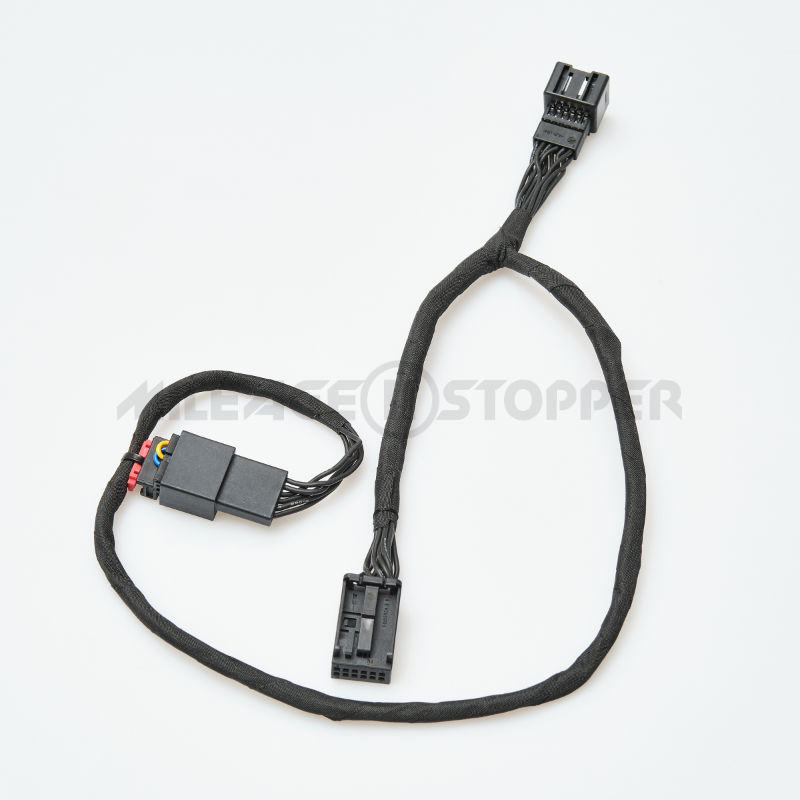
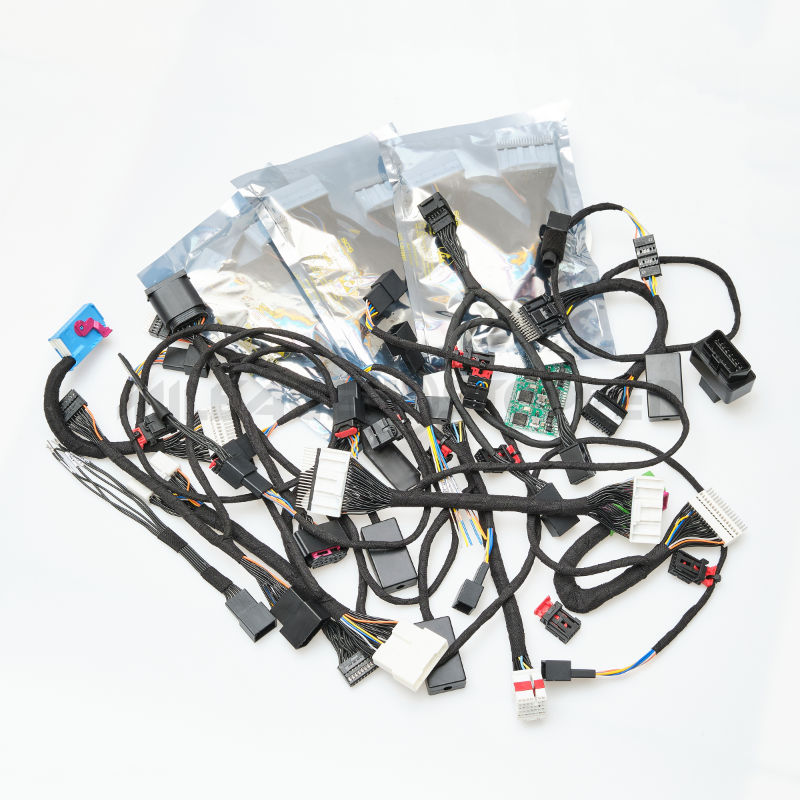
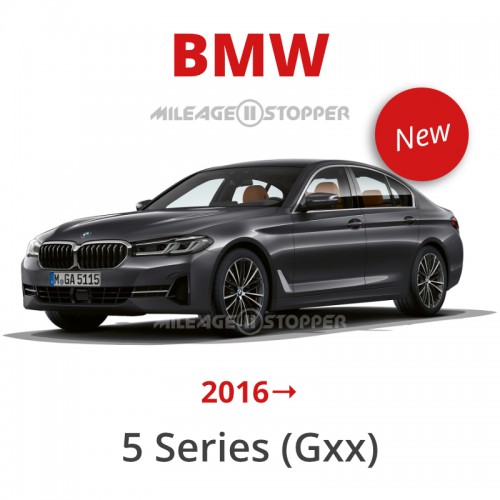
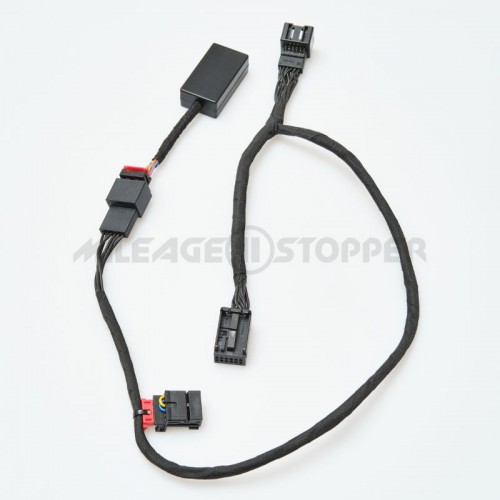
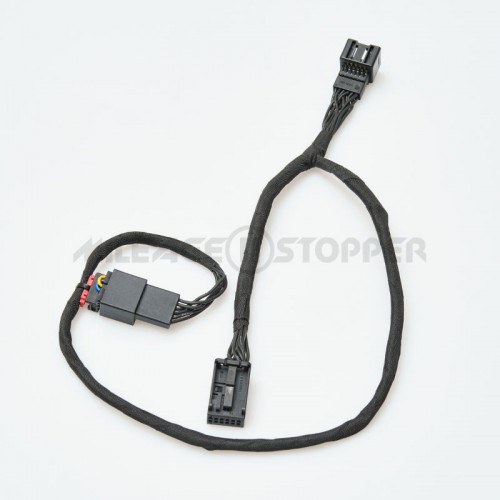
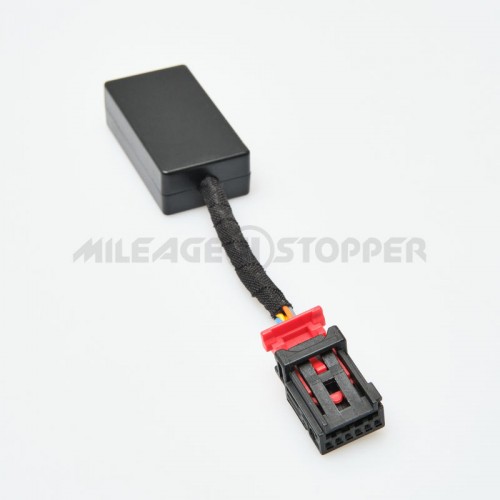
Mileage Blocker for BMW 5 Series G30, G31, and BMW M5 F90 models, commonly found in the 2017-2023 generation. This plug-and-play device is installed behind the instrument cluster and is also commonly referred to as an odometer blocker or mileage stopper. It is compatible regardless of firmware version. Speedometer, cruise control, and other assistance systems work normally.
ADVANTAGES
In-house research and design
1-year warranty
DIY installation without soldering or wire cutting
Original connectors and terminals for reliable connection quality
Speedometer works normally in supported modes
Mileage data in supported electronic units is affected together with the odometer
Uninstalling the device will not cause the mileage value to jump up
INSTALLATION
Remove the instrument cluster according to your vehicle model.
Remove the original cover from the female connector.
Connect our male connector to the original connector so that the arrows point in opposite directions.
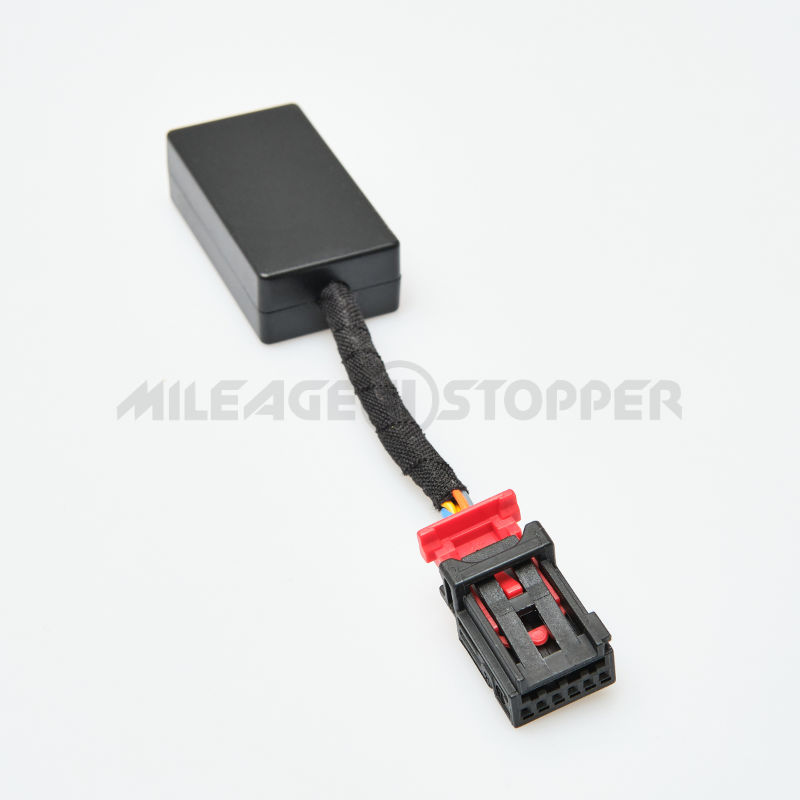
Check the LED indicator on the device. A red LED light means the device is receiving power. A green LED light, if present on your device version, indicates CAN bus activity.
Connect the original cover to our female connector, then connect it to the instrument cluster until it clicks into place.
Start the engine and check that there are no dashboard errors.
Start driving and check the operation of the device before reinstalling the instrument cluster. Mode 1 is usually active by default after installation.
Install the instrument cluster back into place.
LED indicator note: Some device versions may have only a red LED indicator, while other versions may have both red and green LED indicators. The red LED means that power is supplied to the device. The green LED, when available, indicates CAN bus activity. If your device version does not have a green LED or the green LED does not light up, this does not automatically mean that the device is defective.
After installation: The clock on the instrument cluster may need to be reset. In some cases, temporary dashboard information, such as outside temperature or service-related messages, may display incorrectly at first and then return to normal after the vehicle is restarted or driven for a short time. If something does not return to normal immediately, turn the ignition on and off five times, or leave the vehicle switched off for about 15 minutes, then start it again and check the operation.
ACTIVATION
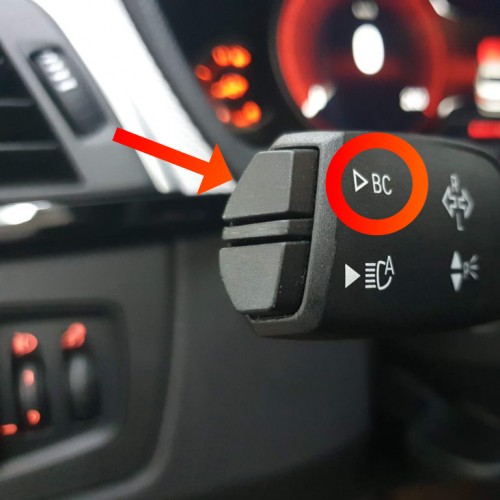
Press and hold the "BC" button on the left steering wheel lever for 5 seconds.
Mode 1 is usually activated by default immediately after installation, so there is normally no need to activate the device manually. Successful mode switching is confirmed by one hazard light flash on the instrument cluster. The hazard light flash is the same for each mode and does not show the selected mode number. Modes switch one after another.
If you are not sure which mode is currently active, you can identify it during a short test drive. Mode 1 records reduced mileage, Mode 2 either completely stops mileage on supported vehicles or is not supported for your configuration, Mode 3 fixes the speedometer needle at approximately 4 km/h or 4 mph, and Mode 4 switches the device off.
MODES
Mode 1: Speedometer works at 100% / mileage recording is reduced by up to 70% (for example, a 100 km/mile trip is recorded as 30 km/miles).
Mode 2: Speedometer works at 100% / mileage is completely stopped on supported vehicles.
Important note for Mode 2: This mode is not supported on all vehicles and dashboard types. To test whether Mode 2 is supported on your vehicle, drive for more than 2 km/miles. If the mileage does not increase during the drive, Mode 2 is supported. If the mileage starts increasing again after 1-2 km/miles, Mode 2 is not supported for your configuration.
Mode 3: Speedometer needle stays at approximately 4 km/h or 4 mph / mileage is filtered up to 99.9%.
Mode 4: OFF. The vehicle records mileage normally.
OPERATING NOTES
When the device is active, some fuel-related values that depend on mileage data may display differently:
Instant fuel consumption;
Average fuel consumption;
Estimated fuel range;
Digital fuel range display.
Important: Analog fuel level indication works normally and shows the actual fuel level.
WARNING
Warning: This device is intended for vehicle research, tuning, and testing purposes only, including dynamometer stands and laboratory conditions, outside public roads. Use it responsibly and with caution.
NEED HELP CHOOSING THE RIGHT OPTION?
If you are not sure which device, mode, or configuration is suitable for your BMW 5 Series, contact us before ordering. Our team will help you check compatibility, installation details, delivery options, and important product notes.
Great to hear it works perfectly for you! Thanks for the feedback!
Bybozog
30/03/2025
My mark:
I ordered it and tried it, everything works, great
Admin response
Thank you so much for your kind words!
We truly appreciate your trust and are glad everything worked perfectly for you.
It means a lot to us to know that our support made a difference.
You're always welcome, and we're here anytime you need help again!
Davide Rossi
23/01/2025
My mark:
Great product and great costumer service. The product is the cheapest on the market , shipping is fast and the costumer service is going to support you during the whole installation process. Highly recommended !
Admin response
Thank you for your kind words!
Joseph
13/01/2025
My mark:
I have purchased this for 3 different cars of mine and have never had an issue the ability to change the rate at which it records the mileage is genius! This product is as simple as it seems and although the site might come off like its too good to be true LOL I can confidently tell you that it isn't and you are getting exactly what you paid for!
Admin response
Thank you so much for your kind words and trust in our product! We're thrilled to hear that you've had such a great experience with it across multiple cars. Your confidence in us means the world, and we’re glad to know the product has met your expectations. If you ever have any questions or need assistance in the future, don’t hesitate to reach out. Drive safely, and thanks again for your support!
Ask a Question
Question from: Rafael Carvalho05/01/2026
Hello did the blocker work on G30 lci 2021 model ?
Answer:
Hello,
Yes, of course, our device is fully compatible with the BMW G30 LCI 2021 model.
Happy New Year!
Best regards,
The M-Stopper, LLC Team
Question from: Tóth András27/09/2025
Hello. Will this work with hybrid g30? My car is 2017, if I understand correctly the Active tempomat and other driving assist will still work in mode 1 and 2?
Answer:
Hello,
That’s correct. In modes 1 and 2, all the assistants in your car will continue to work.